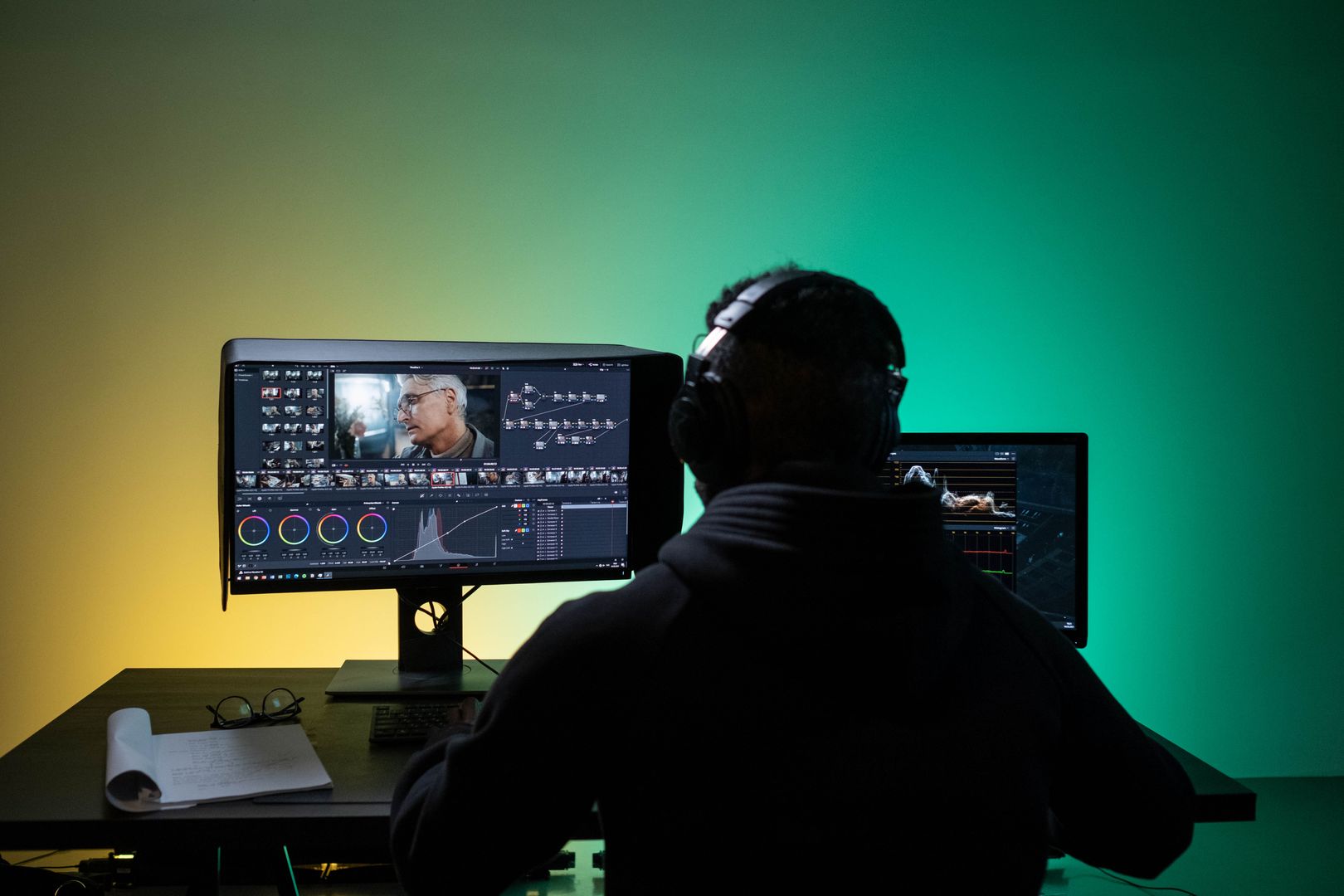
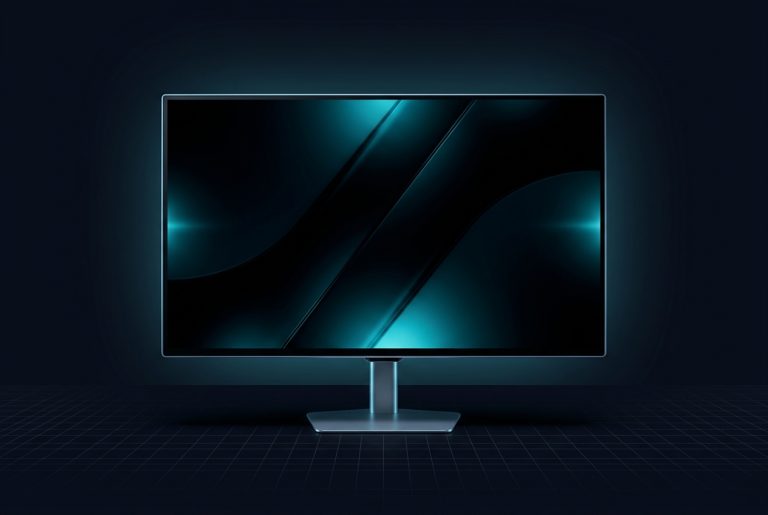
BenQ's own documentation reads like a checklist for professional color control. The SW272U datasheet calls out Palette Master Ultimate for hardware calibration, along with Paper Color Sync for screen-to-print matching, and it lists creator-facing modes including specialized modes for black-and-white work and paper preview. BenQ also highlights a dedicated matte coating—listed as Nano Matte in the SW272U specifications—aimed at glare and reflection reduction. In practice, those choices tend to appeal most to photographers and designers who care less about punchy contrast and more about predictable, repeatable appearance from edit to export.
The panel surface and perceived clarity are another defining element, but it's a double-edged choice. BenQ lists Nano Matte in the specification sheet, and PCWorld describes the panel as fine-coated, framing it as a paper-like texture approach intended to reduce reflections and support sharp, accuracy-first work. That kind of finish can be a genuine advantage in bright rooms or studio spaces with uncontrolled light sources, because it reduces distracting mirror-like glare. The trade-off is that heavy diffusion coatings can make imagery look a little less glossy and less neon vivid than on a high-gloss panel or an OLED built for contrast spectacle.
Ergonomics and included accessories are more practical than pretty, and that's a compliment in this category. PCWorld describes the SW272U as having a robust, industrial look and highlights a fully adjustable stand with the expected range of positioning controls, plus an included display hood to reduce glare. The BenQ SW272U datasheet also calls out the wireless Hotkey Puck G3 as a workflow control device alongside the calibration and print tools. For creators, the point isn't aesthetics—it's reducing the number of small interruptions per hour, like hunting through menus when switching from a web-safe preview to a wide-gamut edit.
On that note, the Hotkey Puck approach is one of the SW272U's most defensible premium features, because it's about time and consistency rather than one-time setup. PCWorld reports that settings can be accessed via a joystick or via BenQ's wireless Hotkey Puck G3, and it argues the puck is faster and more intuitive than relying on a joystick alone. BenQ's own HotKey Puck G3 support article also describes a multi-monitor control method via channel pairing, reinforcing that this accessory is meant to be an active part of a multi-display workflow—not a gimmick that's used once and forgotten.
Connectivity is creator-appropriate, with one important caveat: it's not trying to be an everything-dock. PCWorld lists HDMI, DisplayPort, and USB-C connectivity, and it points out the monitor includes a built-in SD card reader—an unusually on-target feature for photographers and hybrid photo/video creators. The same PCWorld review also criticizes what it doesn't include, like higher-end docking features, for example, it mentions Thunderbolt and Ethernet as misses. So the SW272U's value proposition is less replace your dock and more connect cleanly and keep the workflow color-accurate.