Skip to content

Dell UltraSharp U2723QE Review: A 4K USB‑C Hub for Pros

Marcus Chen Marcus Chen 6 min read

Dell UltraSharp U2723QE: A 4K Hub Monitor for Productivity

The Dell UltraSharp U2723QE is positioned as a work-first 4K monitor that tries to earn its premium by being more than just a panel. With 3840 × 2160 resolution, 16:9 IPS display, and a built-in connectivity hub, it consolidates desk wiring into a single USB‑C connection while offering USB switching, multi-source viewing, and RJ45 Ethernet support.

This review is based on desk research: Dell's published specifications and documentation, plus independent public reporting from Ars Technica. It's a critical evaluation of what the product is documented to do well—and where the trade-offs are most obvious. If you want a single display that can anchor a modern laptop desk, the U2723QE's identity is clear: a crisp IPS panel with hub features that reduce cable clutter.

If you're shopping primarily for high-refresh gaming or standout HDR impact, the core spec sheet already tells you where the ceiling is. At 60Hz with IPS Black technology, the U2723QE targets clarity and workflow convenience, not competitive framerates or cinematic contrast. Independent coverage from Ars Technica highlights the clean design and port-rich concept, but also flags compromises like limited HDR ambition.

For productivity-focused users who want crisp 4K display quality in 16:9, and who will actually use the hub monitor features Dell documents—USB switching, multi-input viewing, and built-in RJ45 networking—the U2723QE is a strong recommendation. The main trade-off is plain: at 60Hz it's not built for competitive gaming, and independent coverage suggests HDR-focused shoppers should look elsewhere.

Reviewed by Marcus Chen Updated How we rate

Key Takeaways

  • 3840 × 2160 resolution on a 16:9 IPS panel, aimed at sharp text and dense UI layouts per Dell documentation.
  • 60Hz refresh rate makes it productivity-leaning, not a speed-focused gaming pick.
  • Built-in connectivity hub with USB‑C, DisplayPort, HDMI, RJ45 Ethernet, and USB upstream switching documented in Dell's user guide.
  • IPS Black technology and hub-centric feature set emphasized by Dell USA as the product differentiator.
  • Independent coverage from Ars Technica highlights clean design and port-rich concept, but also flags limited HDR ambition.
  • Professional stand with tilt, swivel, pivot, and height adjustment plus cable management documented in Dell's guide.

Specifications

Resolution 3840 × 2160
Refresh rate 60Hz
Panel type IPS
Aspect ratio 16:9
USB‑C connectivity Yes, with hub features
Networking RJ45 Ethernet port
Video inputs DisplayPort and HDMI
Audio output Line-out for speakers only
Stand adjustment Tilt, swivel, pivot, height
Multi-input features PIP, PBP, USB switching

Specifications as described in this review from Dell documentation.

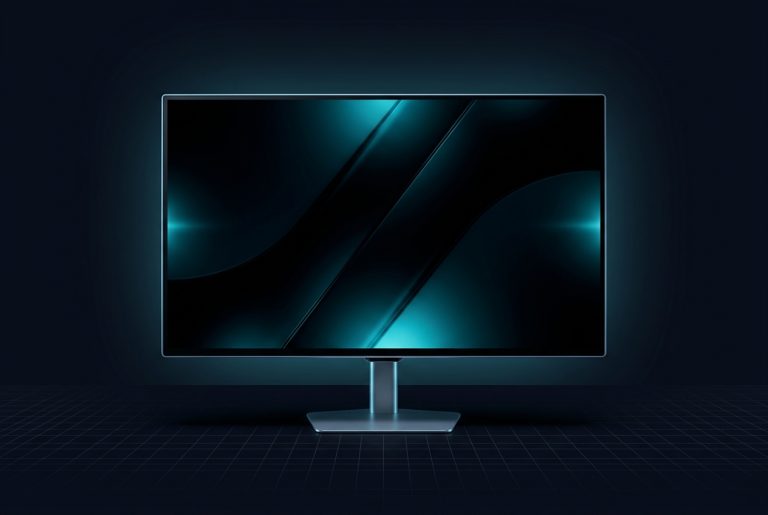
Front view of Dell UltraSharp U2723QE monitor showing slim bezels
Dell UltraSharp U2723QE with slim bezels and matte finish

Image Quality and Panel Intent

With 3840 × 2160 at 16:9, the U2723QE is built for clarity—code, spreadsheets, timelines, and dense UI benefit immediately, and that's true before you talk about color modes or calibration. Dell USA's own positioning puts brilliant color and contrast and IPS Black front and center, and Ars Technica similarly describes the IPS Black approach as producing a more vibrant picture than typical IPS, with deeper-looking dark tones in real content comparisons.

That said, Ars Technica is equally direct about the ceiling: if your priority is dramatic HDR performance, there are better HDR-focused displays than this class of IPS work monitor. The U2723QE delivers sharpness first, cinema second—a positioning that fits its work-first identity but means HDR-focused shoppers should look elsewhere for standout contrast.


Hub-Centric Design

The strongest case for the Dell UltraSharp U2723QE is that it consolidates desk wiring. Dell USA explicitly sells it as a USB‑C hub monitor, and the Dell U2723QE Monitor User's Guide documents a port layout that includes USB‑C connectivity, DisplayPort and HDMI inputs, an RJ45 connector for networking, and an audio line-out for external speakers. The same guide also describes multi-input features like Picture-in-Picture and Picture-by-Picture, and, importantly, USB upstream assignment—so your keyboard and mouse connected to the monitor can follow the active input. That last point is what separates a USB‑C monitor from a genuinely useful productivity switchboard. Dell's documentation even includes a Show KVM Setup Guide option intended for connecting multiple computers and using one keyboard-and-mouse setup, and it describes USB switching behavior inside PBP mode. In practice, this makes the U2723QE best suited to people who routinely bounce between a work laptop and a personal system, or between two machines on the same desk, and want the monitor to reduce friction rather than add another dock. One practical nit to keep in mind: the Dell U2723QE Monitor User's Guide notes that an audio line-out is meant for speakers and explicitly states that the audio line-out port does not support headphones, which can matter if you were hoping the monitor could act as a convenient headphone jack for a console or secondary device.

Ergonomics and Design

Designed to Stay Out of the Way

Professional Setup

Designed to Stay Out of the Way

Ars Technica calls out the design as clean and elevated, and the Dell U2723QE Monitor User's Guide describes the expected professional stand behavior—tilt, swivel, pivot, and height adjustment—plus cable management. For buyers, the real meaning is simple: it's designed to be set up once and then quietly stay out of the way, with adjustments available when you need them rather than a gamer aesthetic that dominates the desk.

Set up once and quietly stay out of the way—adjustments when needed, not flashy aesthetics.

Strengths and Limitations

Strengths

  • Crisp 3840 × 2160 resolution ideal for text and dense UI layouts
  • Comprehensive USB‑C hub with RJ45 Ethernet and USB upstream switching
  • IPS Black technology delivers deeper dark tones than typical IPS
  • Multi-input features with Picture-in-Picture and KVM-style setup guide
  • Professional stand with tilt, swivel, pivot, height adjustment, and cable management

Limitations

  • 60Hz refresh rate not suitable for competitive gaming
  • Limited HDR performance compared to dedicated HDR-focused displays
  • Audio line-out does not support headphones, only external speakers
  • Premium pricing tied to hub features that not all buyers will use
8 / 10

Editorial Scorecard

Strong productivity hub with crisp 4K IPS display; limited by 60Hz and modest HDR.

Image Quality
9/10
Connectivity & Hub
9/10
Ergonomics & Design
8/10
Gaming & Motion
6/10
Value
7/10
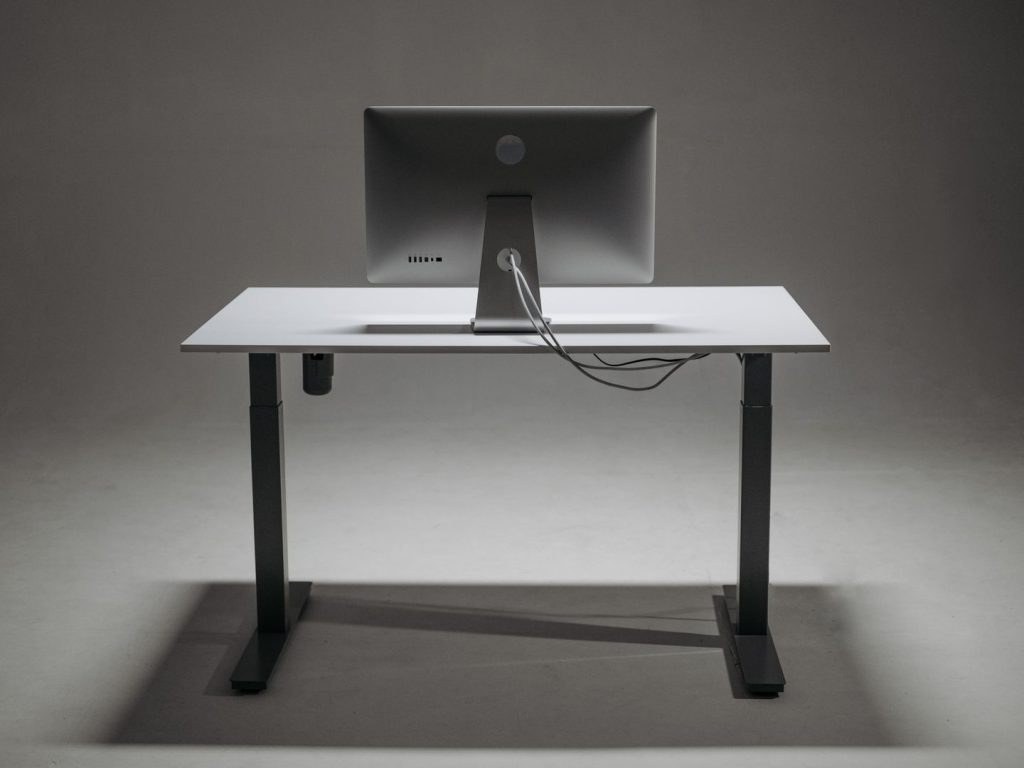
Dell UltraSharp U2723QE rear view highlighting stand and port layout
Rear view showing stand, cable routing, and hub ports

Verdict

8/10

Dell UltraSharp U2723QE is a strong recommendation for productivity-focused users who want a crisp 3840 × 2160 IPS panel in 16:9, and who will actually use the hub monitor features Dell documents—USB switching, multi-input viewing, and built-in RJ45 networking. If your desk runs on one-cable simplicity and multi-device workflow, the U2723QE is a smart buy; if your priority is speed, cinematic HDR, or built-in audio, it's not the right tool.

Sources

  1. Dell — Dell UltraSharp 27 Inch 4K USB-C Hub Computer Monitor - U2723QE
  2. Dell — Dell U2723QE Monitor User’s Guide
  3. Ars Technica — IPS Black brings impressive contrast and vivid colors to Dell’s UltraSharp U2723QE