Skip to content

LG 27GR95QE-B UltraGear OLED Review: Key Trade-Offs

Sarah Mitchell Sarah Mitchell 6 min read

OLED Gaming at a Trade-Off Price

The LG 27GR95QE-B UltraGear OLED brings OLED's signature infinite contrast and near-instant response to a 27-inch 1440p gaming panel, positioning itself as a purpose-built competitive display. This evaluation draws on LG's published specifications, support documentation, and independent data-focused reviews from RTINGS, PC Gamer, and Tom's Hardware, synthesizing publicly available evidence into a buyer-focused verdict.

The core appeal is immediate: OLED blacks without blooming, motion that RTINGS calls incredible due to the panel's near-instantaneous pixel response, and a matte coating that helps with reflection handling in brighter rooms. Yet the same reviews that praise the motion clarity also flag meaningful drawbacks, including VRR flicker when frame rates fluctuate, inverse ghosting from overshoot, and brightness that multiple sources describe as mediocre for a premium gaming monitor.

Brightness and HDR behavior emerge as the most consistent criticisms. RTINGS states the display isn't bright enough to fight intense glare, while PC Gamer describes it as unusually dim for its category and criticizes HDR consistency, including a tendency toward oversaturated color in HDR modes. The practical takeaway is clear: this monitor makes the most sense in controlled lighting, where its blacks and contrast are assets rather than its limited luminance being a constant compromise.

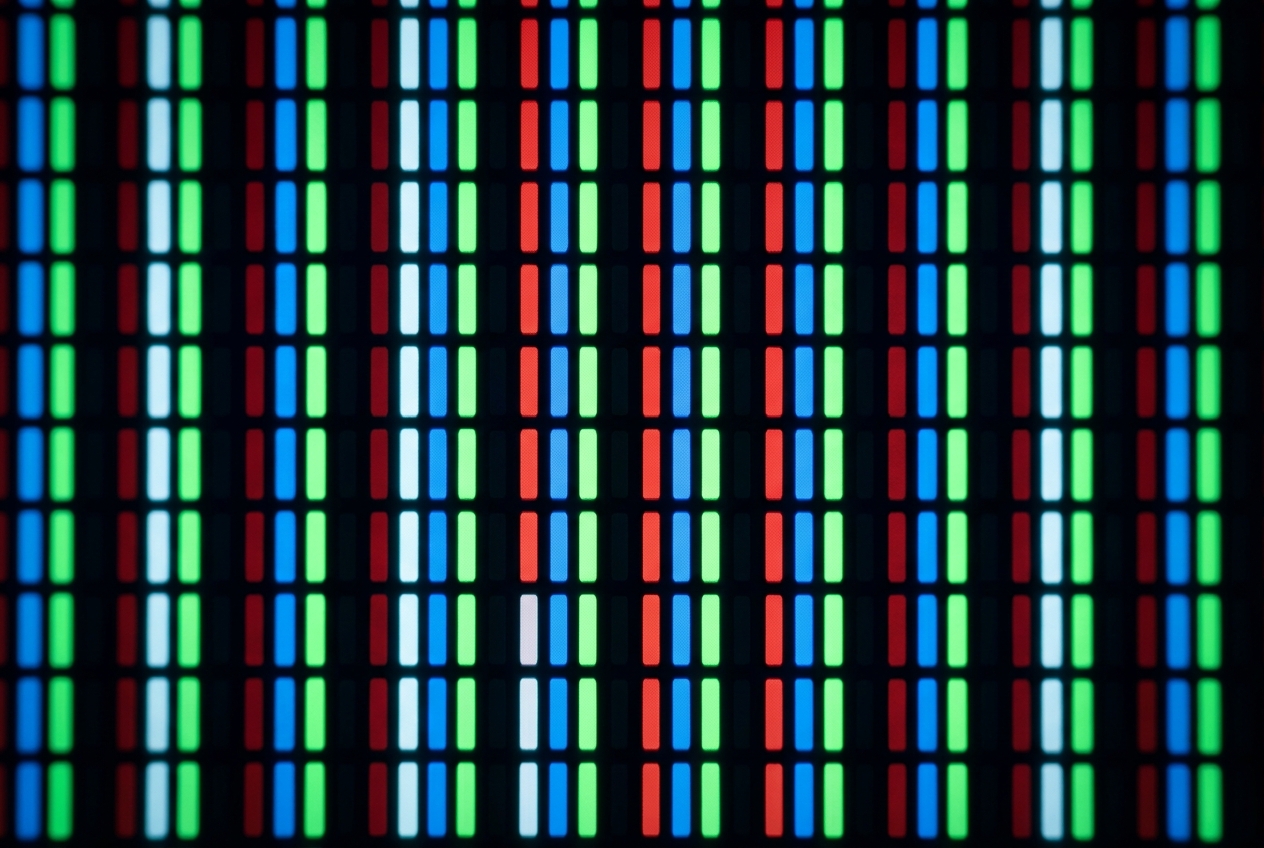
For creators and desktop productivity, the picture is mixed. RTINGS credits the monitor with a very accurate sRGB mode, a practical win for web graphics and color-correct workflows. The same review also flags that text clarity is only okay because of color fringing tied to the RWBG subpixel layout. That combination leads to a clear recommendation: as a gaming-first display that can handle occasional creative work, it's attractive; as an all-day code-and-documents monitor where razor-clean text is the priority, the trade-off is harder to ignore.

Reviewed by Sarah Mitchell Updated How we rate

Six Buyer Takeaways

  • OLED delivers infinite contrast and no blooming, making dark-scene realism exceptional in controlled lighting.
  • Motion handling is widely praised for clarity, though VRR flicker and inverse ghosting can appear in some scenarios.
  • Brightness is mediocre by premium gaming standards; multiple sources say it's not bright enough for intense glare.
  • HDR consistency draws criticism, including a tendency toward oversaturated color in HDR modes according to PC Gamer.
  • Desktop text shows color fringing due to the RWBG subpixel layout, making it less ideal for all-day productivity.
  • Long-term burn-in risk is real with static UI elements; OLED care settings and varied usage patterns are part of ownership.
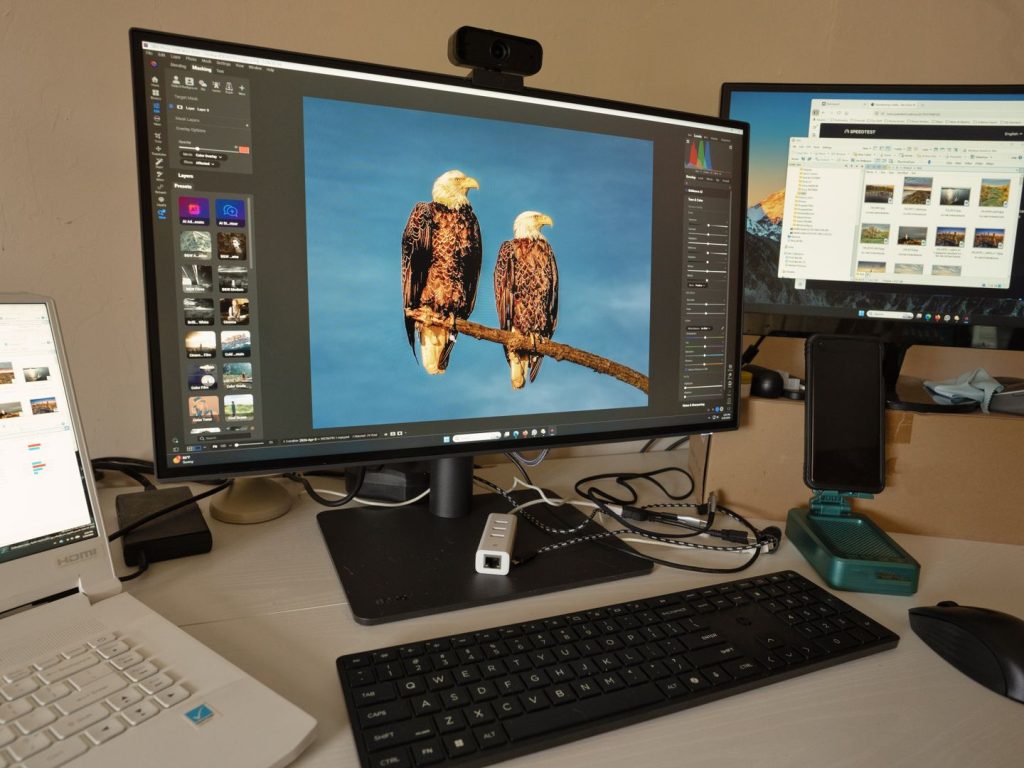
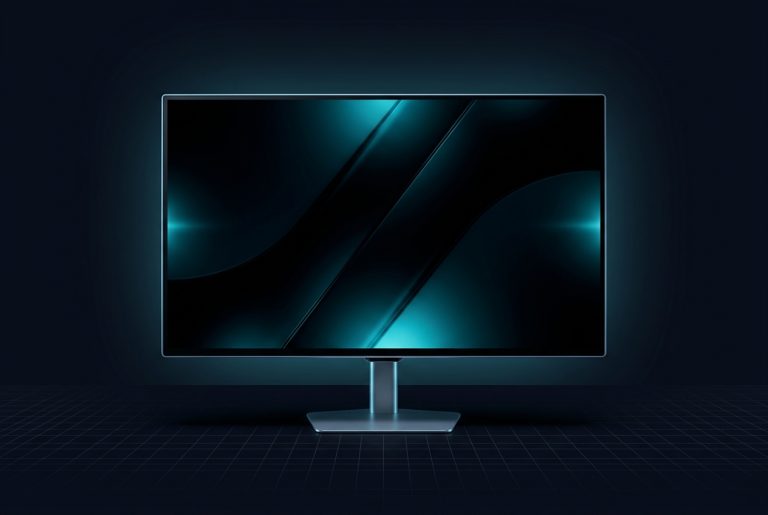
LG 27GR95QE-B UltraGear OLED 27-inch gaming monitor front view
LG 27GR95QE-B UltraGear OLED gaming monitor with matte screen coating

OLED Contrast and Dark-Scene Realism

The reason this model exists is OLED contrast and dark-scene realism. RTINGS repeatedly highlights the near-infinite contrast and the absence of blooming around bright objects, exactly the kind of image behavior that makes OLED compelling in darker rooms and story-heavy titles. The panel's ability to switch individual pixels completely off delivers the black levels and highlight separation that LCD backlights, even with local dimming, cannot match.

RTINGS also calls out that the matte screen coating helps with reflection handling, but can introduce a mild hazy look versus glossier OLED implementations. Those two observations together describe the core visual personality of the panel: stunning blacks and clean highlight separation, tempered by a coating choice that favors practicality over maximum perceived pop. For users in brighter rooms or under mixed lighting, the matte finish is a practical compromise; for those who can control ambient light, a glossier OLED might deliver a more striking image.

The contrast advantage is most visible in darker content: games with night scenes, space environments, or cinematic cutscenes. In these scenarios, the LG 27GR95QE-B UltraGear OLED shows why OLED is compelling for immersion. The absence of backlight bleed or halo artifacts around bright UI elements on dark backgrounds is a clean, distraction-free experience that LCD cannot replicate at this price point.


What Works and What Doesn't

Strengths

  • Near-infinite contrast with no blooming around bright objects
  • Motion clarity praised as incredible due to near-instantaneous pixel response
  • Very accurate sRGB mode for color-correct web graphics and creative workflows
  • Matte coating helps with reflection handling in brighter rooms
  • Clean highlight separation and dark-scene realism in story-heavy games

Trade-Offs

  • Brightness is mediocre and not bright enough to fight intense glare
  • VRR flicker when frame rates fluctuate, plus inverse ghosting from overshoot
  • HDR consistency issues including oversaturated color in HDR modes
  • Text clarity only okay due to color fringing from RWBG subpixel layout

Gaming Performance and Motion

Motion Clarity with Caveats

Responsiveness

Motion Clarity with Caveats

Public consensus on gaming performance is unusually aligned. RTINGS describes motion as looking incredible thanks to the panel's near-instantaneous response behavior, but also notes a meaningful drawback: inverse ghosting caused by overshoot, plus VRR flicker when frame rates fluctuate. That's an important nuance for competitive players: OLED can make motion look razor-sharp, yet still show artifacts depending on the overdrive processing behavior and the way VRR interacts with a given game's frame pacing. If you're sensitive to flicker or you play titles with unstable frame rates, RTINGS' warnings should carry real weight.

Motion looks incredible due to near-instantaneous response, but VRR flicker and inverse ghosting can appear.

Brightness and HDR in Real Rooms

The most consistent criticism across reputable coverage centers on brightness and HDR behavior in practical use.

Controlled Lighting vs Bright Rooms

Brightness and HDR behavior are the most consistent criticisms across reputable coverage. The LG 27GR95QE-B UltraGear OLED makes the most sense in controlled lighting, where its blacks and contrast are assets rather than its limited luminance being a constant compromise.

Brightness Limitations

RTINGS categorizes brightness as mediocre and explicitly states it isn't bright enough to fight intense glare. PC Gamer reaches a similar conclusion, describing the display as unusually dim for its category. For users in brighter rooms or near windows, the panel's limited peak luminance becomes a constant compromise. The matte coating helps with reflections, but cannot compensate for fundamentally lower light output compared to premium LCD gaming monitors with high-nit backlights. In controlled lighting or darker rooms, the brightness limitation is less noticeable, and the OLED contrast advantage becomes the dominant visual characteristic.

HDR Consistency Issues

PC Gamer criticizes HDR consistency, including a tendency toward oversaturated color in HDR modes. HDR content that should deliver nuanced color gradations can instead show exaggerated saturation, pulling the image away from the creator's intent. This is a practical concern for users who expect HDR to deliver both the contrast punch and the color accuracy promised by the specification. The oversaturation issue suggests that the monitor's HDR processing is tuned for visual impact rather than reference-level color fidelity, which may be fine for some gaming scenarios but problematic for anyone who expects HDR to look correct rather than simply vivid.

Ideal Use Cases

Users who can control ambient light, either through room darkening or strategic positioning away from direct light sources, will see the OLED panel's strengths without constantly fighting its brightness ceiling. For users in brighter environments or who expect a display to hold up under direct sunlight or overhead office lighting, the brightness limitations will be a recurring frustration that no amount of calibration can fully resolve.

Close-up view of OLED subpixel structure showing RWBG layout
OLED subpixel layout can affect text clarity for productivity tasks
8 / 10

Editorial Scorecard

Strongest in controlled lighting for immersive gaming; brightness and desktop text are real compromises.

Motion Clarity
9/10
HDR Impact
7/10
Color Modes
8/10
Desktop Readability
6/10
Usability
7/10

Verdict

8/10

Choose the LG 27GR95QE-B UltraGear OLED if your priority is immersive, high-contrast gaming with OLED's signature dark-scene advantages, and your setup lets you control ambient light. Skip it if you want a bright, universally set-and-forget display for heavy office time, or if you're unwilling to manage burn-in risk with sensible OLED habits, because the public evidence from RTINGS, PC Gamer, and Tom's Hardware makes those limitations impossible to hand-wave away.

Sources

  1. RTINGS — LG 27GR95QE-B Review
  2. LG USA — LG 27GR95QE-B.AUS: Support, Manuals, Warranty & More | LG USA Product Support Page
  3. PC Gamer — LG UltraGear 27GR95QE-B review