Skip to content

1440p or 4k for gaming: the monitor buyer’s verdict

Sarah Mitchell Sarah Mitchell 7 min read

1440p or 4K for Gaming: The Monitor Buyer's Verdict

Choosing between 1440p and 4K for gaming is less about which resolution is objectively better and more about where you want your performance budget to go: frame rate, visual sharpness, or both. This verdict draws on published manufacturer specifications, interface standards documentation, retailer-listed prices, and independent public reporting. It does not claim any in-house lab measurements or hands-on evaluation of the monitors discussed.

The short version is straightforward. 4K UHD pushes 8.294 megapixels per frame, while QHD pushes 3.686 megapixels according to Wikipedia, making 4K 2.25 times the pixel load before ray tracing or heavy effects. High-refresh 1440p displays are widely available and easier to drive with current GPUs. ASUS ROG lists the ROG Swift OLED PG27AQDM as 2560×1440 with DisplayPort 1.4 DSC and up to 240 Hz over DisplayPort. Meanwhile, 4K at 240 Hz exists but lives in the premium tier; Samsung specs the Odyssey OLED G8 G80SD as UHD 4K with a 240 Hz maximum frame rate.

Six takeaways that stay true across most real builds: if you chase competitive latency and 200+ fps targets, 1440p is the practical ceiling; if you sit close and care about text edges and fine texture detail, 4K is visibly cleaner; on a 27-inch panel, 4K can look retina-like in desktop use (Dell Technologies lists 163.18 PPI for the 27-inch UltraSharp U2723QE); a 1440p IPS monitor is still the safest all-rounder for mixed play and productivity; 4K versus 1440p gaming outcomes hinge more on GPU class than on the monitor itself; HDR labels matter—look for standards, not marketing, especially on premium OLED.

Start with image clarity, because it is the one benefit 4K delivers every second you are looking at the screen. At the same physical size, 4K packs smaller pixels, which reduces aliasing on fine UI lines and makes in-game geometry look more finished even before anti-aliasing. That advantage is easiest to justify if your screen doubles as a work display: Dell Technologies positions the UltraSharp U2723QE as a 27-inch 4K monitor at 60 Hz, and it publishes the pixel density directly (163.18 PPI). If you are shopping a 4K computer monitor primarily for sharp text, detailed maps, or photo timelines, that kind of spec transparency is what you want.

Reviewed by Sarah Mitchell Updated How we rate

Key Takeaways for Monitor Buyers

  • If you chase competitive latency and 200+ fps targets, 1440p is the practical ceiling for current GPUs.
  • On a 27-inch panel, 4K can look retina-like in desktop use; Dell lists 163.18 PPI for the U2723QE.
  • HDR labels matter—look for standards, not marketing, especially on premium OLED displays.

Image Clarity: Where 4K Shines

If you are shopping a 4K monitor primarily for sharp text, detailed maps, or photo timelines, that kind of spec transparency is what you want.

Motion performance flips the argument. With a fixed GPU budget, dropping from 4K to a 1440p resolution monitor buys headroom you can reinvest into higher refresh, higher settings, or steadier frame pacing. The current market reality supports this: ASUS ROG's PG27AQDM is explicitly positioned at 240 Hz in 2560×1440, and LG lists its 27GR95QE-B as a 27-inch QHD (2560 × 1440) OLED display with a 240 Hz refresh rate. If you play competitive shooters or fast arena titles, the feel difference between a consistent high-refresh pipeline and a prettier but lower-refresh 4K pipeline is usually more decisive than extra pixel detail.

GPU demand is where people get surprised. Because Wikipedia's megapixel figures imply 2.25 times the pixel work going from 1440p to 4K, the practical outcome is that max settings at 4K is often a GPU generation—or a feature set—more expensive than people expect. Upscaling can absolutely make a 4K PC screen viable on hardware that would otherwise belong in the 1440p camp, but it is not free: you are trading some native detail for performance, and the quality depends heavily on the game's implementation. The clean way to decide is to pick your target experience first: do you want native 4K detail, or do you want the best-looking motion at a high refresh?

Ergonomics and desk distance are the quiet tie-breakers. A 27-inch 1440p resolution monitor is forgiving: you can sit at typical desk distances, run high refresh, and avoid having to scale your UI aggressively. A 27-inch 4K screen, by contrast, is spectacular for crisp text and dense HUDs, but it is easier to end up with too-small interface elements unless your operating system scaling and game UI options cooperate. If you want a mental picture of the difference, imagine a 27-inch 1440p IPS monitor on a standard-depth desk: the UI looks appropriately sized, and high-refresh motion is the headline feature. Now picture a 27-inch 4K screen with the same desk setup: tiny texture work and fine fonts look sharper, but you will care more about UI scaling, and your GPU workload jumps.


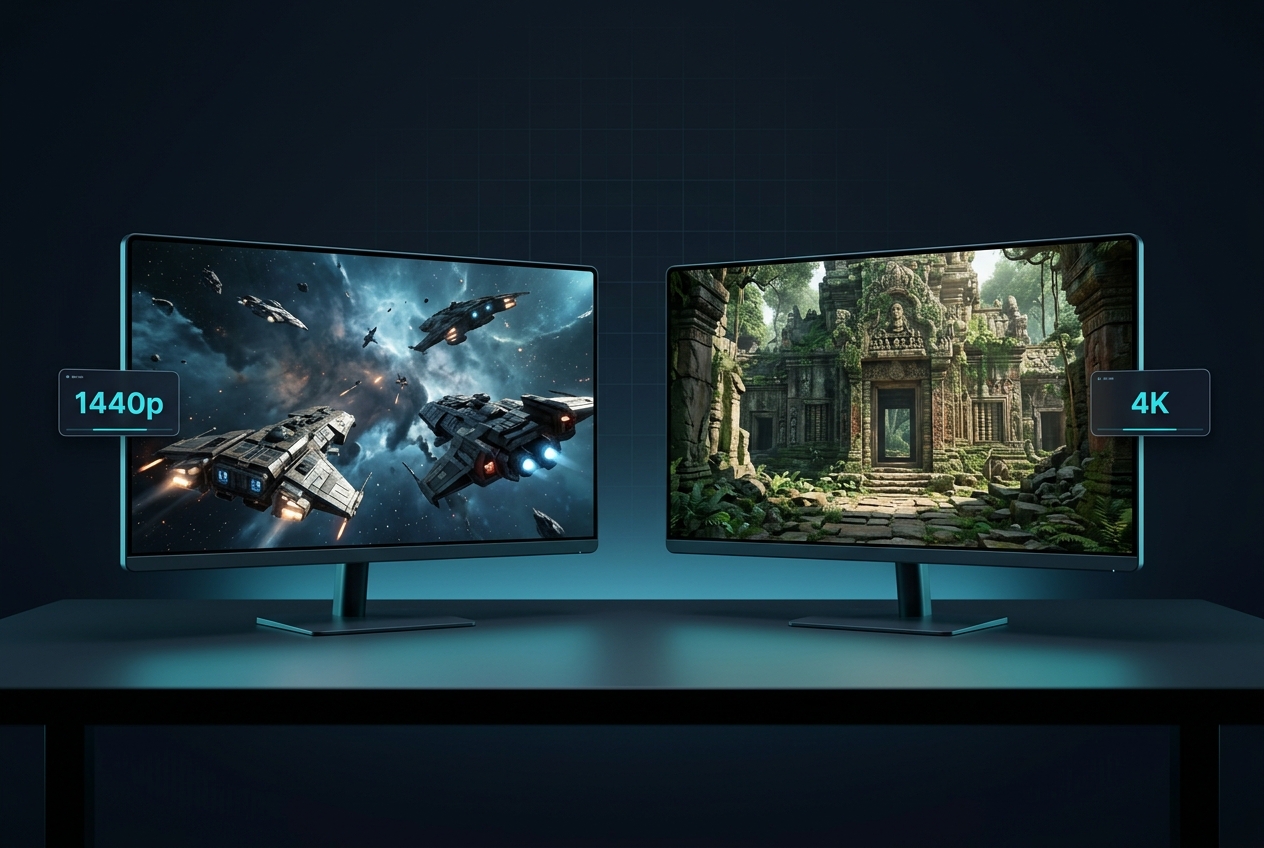
Gaming monitors at 1440p and 4K resolutions displayed on desk
High-refresh 1440p and 4K gaming monitors compared side-by-side

27-inch 1440p vs 4K: Side-by-Side

Three common build targets cover most PC gamers: competitive high refresh, clarity-first mixed use, and flagship immersive.

Criteria
27-inch 1440p High Refresh
27-inch 4K 60 Hz Clarity
32-inch 4K High Refresh
Resolution 2560×1440 QHD 3840×2160 4K UHD 3840×2160 4K UHD
Refresh Rate 240 Hz 60 Hz 240 Hz
Pixel Density ~109 PPI 163.18 PPI ~138 PPI
GPU Demand Moderate High (60 Hz limit) Very High
Best For Competitive play Work + casual gaming Flagship immersive
Best Choice Performance headroom, high fps in more games Sharp text, fine detail clarity for mixed use Sharpness and speed together, premium cost
Read Reviews

Three Build Targets Explained

If you want a clean side-by-side that maps to real products, three build targets cover almost everyone. Each balances pixel density, refresh rate, and GPU demand differently.

Concrete examples include the ASUS ROG Swift OLED PG27AQDM at 2560×1440 with up to 240 Hz over DisplayPort, and the LG 27GR95QE-B at 2560×1440 and 240 Hz. The strongest point is performance headroom: high fps is achievable in more games without sacrificing settings as hard. The trade-off is lower native desktop sharpness than 4K at the same size. This target is best for competitive play where frame rate and latency matter more than pixel density.

Dell Technologies lists the UltraSharp U2723QE as 4K 3840 × 2160 at 60 Hz and publishes 163.18 PPI. BenQ specs the SW272U at 3840×2160 and 60 Hz as well. The strongest point is text and fine-detail clarity; the trade-off is that 60 Hz limits motion smoothness if you are sensitive to it. This target is best for mixed work plus play, where desktop clarity and color accuracy take priority over competitive refresh rates.

Samsung's Odyssey OLED G8 G80SD is explicitly positioned as UHD 4K (3,840 × 2,160) with a 240 Hz maximum frame rate, and Samsung Newsroom also lists G80SD at 3840 × 2160 and 240 Hz. The strongest point is that it removes the usual 4K compromise—sharpness and speed together—while the trade-offs are cost, GPU demand, and the need to think about bandwidth and settings to actually hit those top-end modes. This target is best for flagship GPUs and immersive single-player experiences.

HDR and Panel Technology

HDR Complicates the Decision—But Helps You Buy Smarter

Standards Matter

HDR Complicates the Decision—But Helps You Buy Smarter

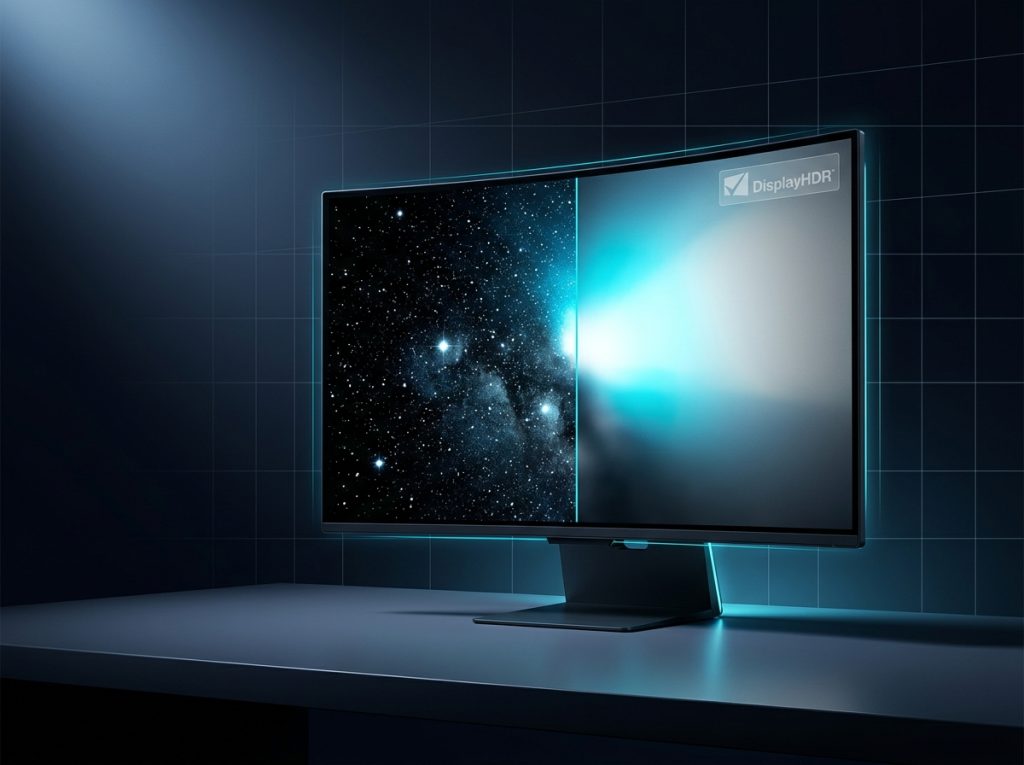
In July 2026, the Video Electronics Standards Association (VESA) announced DisplayHDR True Black 1400, explicitly aimed at next-generation OLED displays for professional HDR content creation and premium HDR content consumption. That does not mean you need a flagship HDR tier for gaming, but it does reinforce a practical buying rule: treat HDR as a standards problem, not a resolution problem. 1440p OLED can deliver excellent HDR-like contrast characteristics because of pixel-level light control, while 4K LCD can look flatter if its backlight and local dimming are limited.

RTINGS.com's monitor review context highlights that different generations and coatings can change which OLED feels best.

1440p High Refresh: Pros and Cons

Advantages

  • Performance headroom: high fps is achievable in more games without sacrificing settings as hard.
  • Widely available: high-refresh 1440p displays are easier to find and feed with today's GPUs.
  • Lower GPU demand: drops from 4K to 1440p buys headroom you can reinvest into higher settings.
  • Competitive latency: if you chase 200+ fps targets, 1440p is the practical ceiling for current hardware.

Trade-offs

  • Lower native desktop sharpness than 4K at the same physical screen size.
  • Less pixel density: fine UI lines and in-game geometry show more aliasing before anti-aliasing.
  • Not ideal for text-heavy work: if your screen doubles as a productivity display, 4K clarity wins.

Final Verdict: 1440p or 4K?

For most PC players in 2026, 1440p is still the best default recommendation, because it is the resolution where high refresh, high settings, and sane GPU requirements align most often. Choose 4K when you can name the benefit you are buying—desktop clarity, dense UI readability, or flagship-level immersion—and you are willing to pay the performance and hardware cost that comes with pushing 8.294 megapixels every frame, as Wikipedia summarizes.

The main trade-off is blunt: 4K looks cleaner, but 1440p moves cleaner. If you chase competitive latency and 200+ fps targets, 1440p is the practical ceiling.

RTINGS. com's monitor review context also highlights a useful reality check: different generations and coatings can change which OLED feels best even when the headline resolution and refresh look similar on paper, which is why resolution should be your first filter, not your last.

Desktop clarity and pixel density comparison for gaming monitors
Comparison of pixel density and desktop clarity on 27-inch monitors

Explore more in-depth monitor reviews and buying guides to help you choose the right display for your setup.

Sources

  1. Wikipedia — Display resolution
  2. ASUS ROG — ROG Swift OLED PG27AQDM | Tech Specs
  3. LG — 27 Inch UltraGear OLED Gaming Monitor - 27GR95QE-B
  4. Samsung — 32" 4K UHD G80SD Odyssey OLED G8 Gaming Monitor
  5. Samsung Newsroom — Samsung Unveils New Odyssey OLED, Smart Monitor and ViewFinity Lineups With 2024 One Launch
  6. Dell Technologies — Dell UltraSharp 27 Inch 4K USB-C Hub Monitor (U2723QE) : Computer Monitors | Dell UK