Skip to content

Best gaming oled monitors ranked for PC buyers (2026)

Sarah Mitchell Sarah Mitchell 7 min read

Gaming OLED Monitors Ranked for 2026

OLED has become the most persuasive way to get true-black contrast and near-instant pixel transitions on a desktop display, which is why best gaming OLED searches now focus on picking the right OLED rather than debating whether the technology is worth it. This ranking is a critical, spec-driven evaluation built from manufacturer specifications and documentation, plus independent public reviews from outlets such as RTINGS.com, Tom's Hardware, and TechSpot.

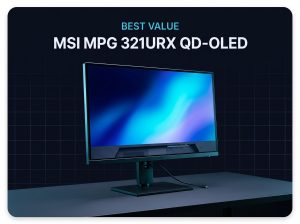
At a glance, the shortlist is straightforward: ASUS ROG Swift OLED PG32UCDM is the best all-around OLED for a modern high-end PC; LG 32GS95UE-B is the most flexible for competitive play thanks to its dual-mode refresh; Dell Alienware AW2725DF is the purest 1440p esports pick; GIGABYTE AORUS FO32U2P is the connectivity-forward option with DisplayPort 2.1 UHBR20; and MSI MPG 321URX QD-OLED is the value-leaning 32-inch 4K/240Hz choice.

The strongest point is contrast: per-pixel control means black stays black, which helps visibility in dark scenes and makes HDR feel more dimensional even at typical desktop brightness levels. The second is motion clarity: OLED's pixel response is inherently fast, so high refresh actually looks clean instead of smeared. However, OLED is not a free win. Static UI elements can create long-term image retention risk; OLED brightness behavior can be more variable than LCD when large bright areas are on screen; and text rendering can look different depending on subpixel structure and the operating system's font smoothing.

If you're shopping for the best OLED PC monitor primarily for spreadsheets and static toolbars all day, these are not theoretical drawbacks. The trade-offs deserve plain language before the rankings.

Reviewed by Sarah Mitchell Updated How we rate

At a Glance

  • Best overall ASUS ROG Swift OLED PG32UCDM The safest best OLED monitor pick for mixed gaming and creator use with practical connectivity and 240Hz performance.
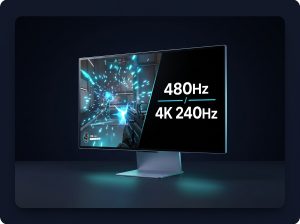
  • Best for competitive versatility LG 32GS95UE-B UltraGear OLED Dual-mode 32-inch OLED that runs 4K at 240Hz or FHD at 480Hz, ideal for genre switching.
  • Best 1440p esports Dell Alienware AW2725DF Maximum frame rate stability in competitive shooters with 360Hz at 1440p on a 27-inch QD-OLED.
  • Best connectivity GIGABYTE AORUS FO32U2P Future-proof option with DisplayPort 2.1 UHBR20 support for uncompressed 4K/240Hz capability.

Key Takeaways

  • OLED delivers true-black contrast and near-instant pixel response, making high refresh rates look genuinely clean.
  • Static UI elements can create long-term image retention risk, and OLED brightness varies with large bright areas on screen.
  • ASUS PG32UCDM is the strongest all-around choice for mixed gaming and creator use with practical connectivity including USB-C.
  • LG 32GS95UE-B switches between 4K at 240Hz and FHD at 480Hz, ideal for competitive players who want both modes.
  • Dell AW2725DF offers 360Hz at 1440p for maximum frame rate stability in esports titles on compatible GPUs.
  • Basic calibration matters: choose the correct color mode, set a sensible white point, and validate HDR settings to avoid crushed shadows.

Best Gaming OLED Monitors Ranked

This ranking evaluates five gaming OLED monitors based on manufacturer specifications, independent reviews, and practical connectivity features for modern PC setups.

ASUS ROG Swift OLED PG32UCDM

ASUS ROG Swift OLED PG32UCDM

Best overall

ASUS positions the PG32UCDM as a 32-inch 4K QD-OLED built for 240Hz class gaming with DisplayPort 1.4 DSC, two HDMI 2.1 ports, and USB-C with DP Alt Mode plus up to 90W power delivery, alongside a USB hub for peripherals.

  • Practical connectivity for mixed gaming and creator use
  • USB-C with 90W power delivery
  • one-cable laptop docks
  • modern console compatibility
  • DisplayPort 1.4 era monitor lacks future DP 2.1 headroom
  • QD-OLED text and edge rendering characteristics won't suit every buyer
LG 32GS95UE-B UltraGear OLED

LG 32GS95UE-B UltraGear OLED

Best for competitive versatility

LG describes the 32GS95UE-B as a dual-mode 32-inch OLED that can run 4K UHD at 240Hz or FHD at 480Hz, with a listed 0.03ms response time, G-Sync compatibility, and Pixel Sound for desks where external speakers aren't an option.

  • Genuine two monitors in one refresh rate strategy
  • 0.03ms response time
  • outstanding for esports and competitive play
  • Pixel Sound built-in
  • Missing productivity extras like USB-C and a KVM switch
  • connectivity limitations for do-it-all desk setups
Dell Alienware AW2725DF

Dell Alienware AW2725DF

Best 1440p esports

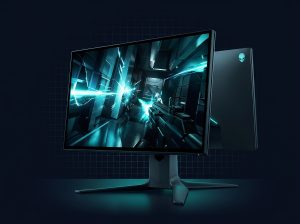
Dell presents the AW2725DF as a 27-inch 360Hz QD-OLED gaming monitor running 2560x1440 at 360 Hz, exactly the spec that matters for tournament-style play, with OLED motion staying crisp at maximum frame rate stability.

  • 360Hz at 1440p is easier to drive than 240Hz at 4K
  • OLED motion clarity
  • ideal for competitive shooters on many GPUs
  • 27-inch 16:9 panel won't deliver same immersion as 32-inch 4K display
  • smaller canvas can feel restrictive for content creation or large UI scaling
GIGABYTE AORUS FO32U2P

GIGABYTE AORUS FO32U2P

Best connectivity

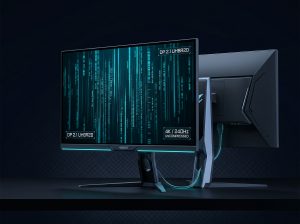
GIGABYTE's FO32U2P is an OLED gaming monitor with DisplayPort 2.1 UHBR20 support and uncompressed 4K/240Hz capability, also listing HDMI 2.1 alongside the DP 2.1 and MiniDP 2.1 inputs for future-proof connectivity.

  • DisplayPort 2.1 UHBR20 for next-gen GPUs
  • uncompressed 4K/240Hz
  • future-proof connectivity for high-end systems
  • Premium feature aimed at narrower audience
  • buyers who care about next-gen connectivity and already building very high-end system
MSI MPG 321URX QD-OLED

MSI MPG 321URX QD-OLED

Best value
  • Covers practical checklist with modern ports and VRR-class refresh
  • cleanest price-to-spec argument
  • single-cable charging
  • flagship basics without boutique additions
  • Not the most of anything in this list
  • no signature differentiator like DP 2.1 or dual-mode refresh
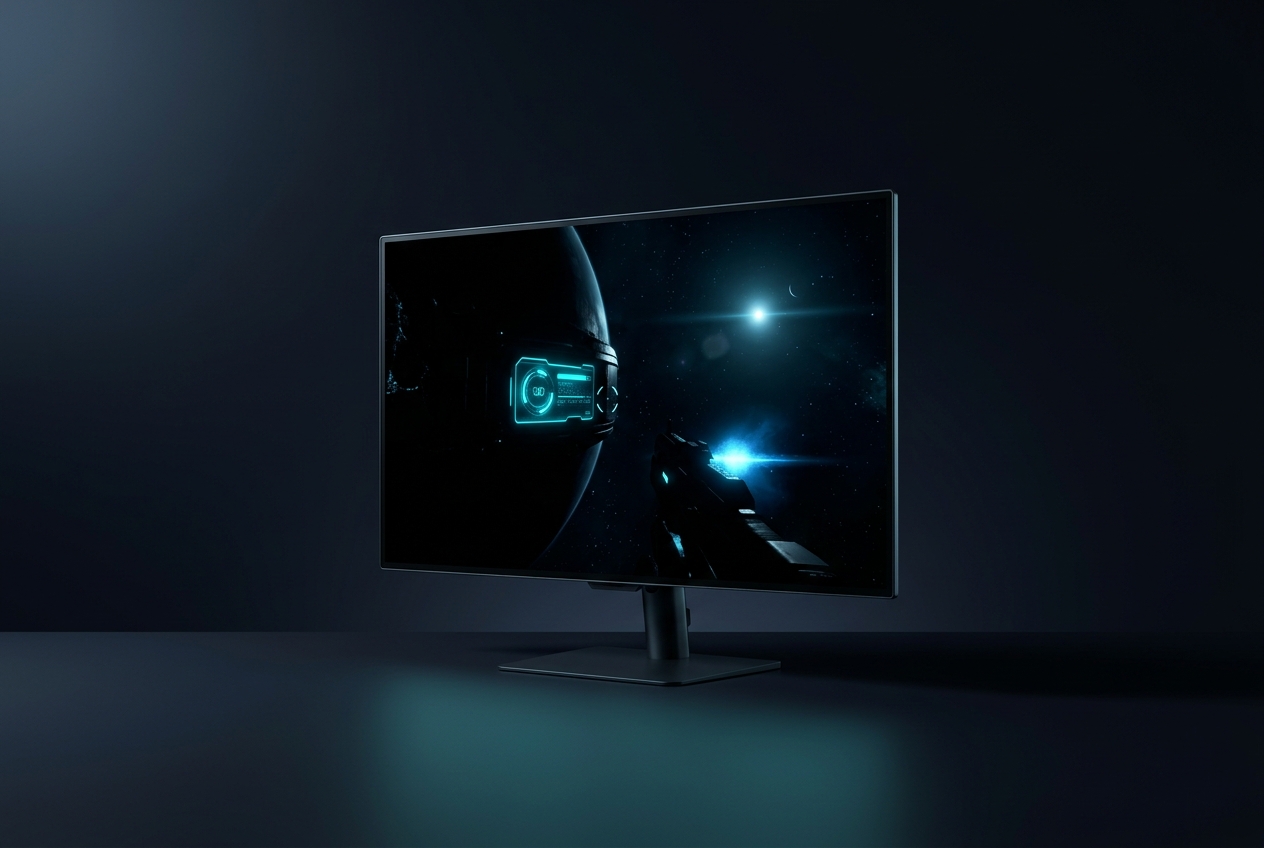
Gaming OLED monitor displaying dark scene with deep black levels and bright highlights
OLED panels deliver per-pixel control for true-black contrast in gaming environments

OLED Trade-Offs Explained

However, OLED is not a free win. OLED brightness behavior can be more variable than LCD when large bright areas are on screen, and text rendering can look different depending on subpixel structure and the operating system's font smoothing.

The practical considerations deserve attention before committing to an OLED purchase for desktop work.

Text rendering on OLED panels depends on subpixel structure and operating system font smoothing. QD-OLED uses a triangular subpixel layout that can appear different from traditional RGB stripe arrangements, particularly noticeable with small fonts and white text on dark backgrounds.

Modern OLED monitors include pixel refresh routines and screensaver triggers, but long static content sessions still pose more risk than on LCD panels.


OLED Gaming Monitors: Strengths and Limitations

Advantages

  • True-black contrast with per-pixel control improves dark scene visibility
  • Near-instant pixel response makes high refresh rates genuinely clean
  • HDR feels more dimensional even at typical desktop brightness levels
  • Motion clarity is inherently fast without smearing at high refresh

Limitations

  • Brightness behavior varies more than LCD with large bright screen areas
  • Text rendering can look different depending on subpixel structure and font smoothing
  • Higher cost compared to equivalent LCD gaming monitors

Calibration Matters for OLED

Don't Let an OLED Purchase Live or Die by Factory Defaults

Essential setup

Don't Let an OLED Purchase Live or Die by Factory Defaults

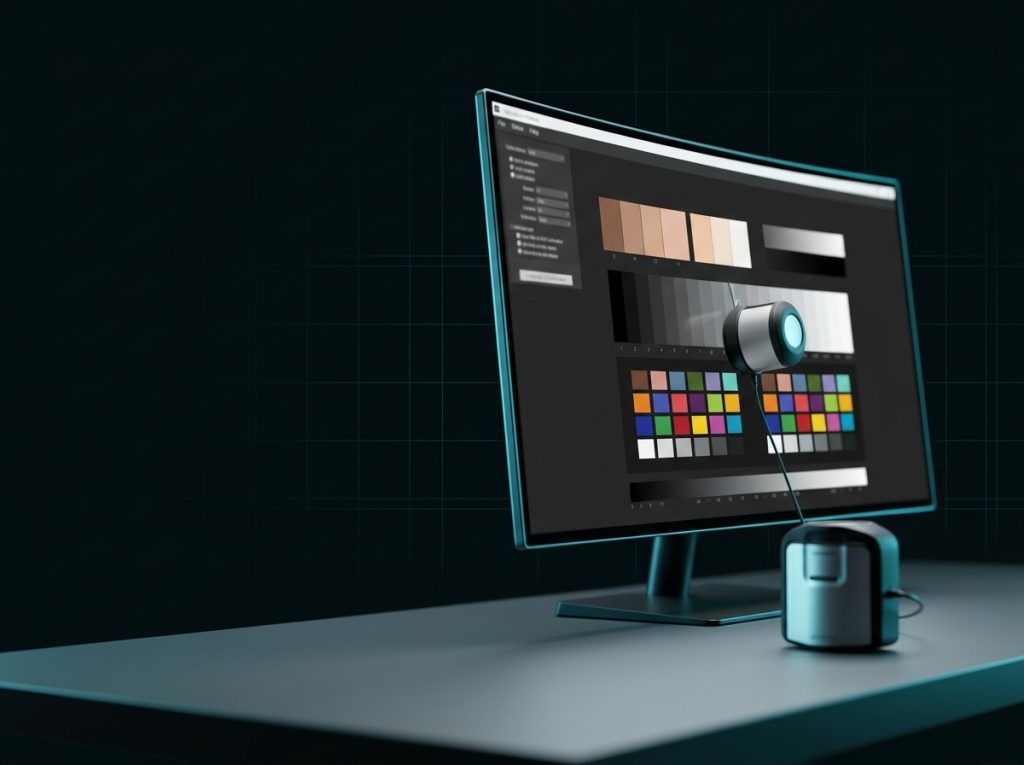
Basic calibration is often the difference between impressive and trustworthy. Start by choosing the correct color mode, set a sensible white point target, and confirm you're not in a boosted vivid preset. If you use HDR, validate the OS-level HDR calibration step so highlights aren't clipped. For SDR workflows, a simple ICC workflow plus sensible brightness and gamma targets can reduce crushed shadows and keep skin tones from drifting. OLED can look spectacular out of the box, but accuracy is still a settings choice.

Basic calibration reduces crushed shadows and prevents skin tone drift on deep-black panels

Verdict

If the goal is the single strongest all-around purchase in 2026, ASUS ROG Swift OLED PG32UCDM takes the top spot because ASUS combines a 240Hz-class 4K QD-OLED spec with the connectivity that makes an OLED monitor easy to live with day to day. LG 32GS95UE-B is the specialist's second pick for buyers who want a genuine two monitors in one refresh-rate strategy, while Dell Alienware AW2725DF remains the sharpest competitive 1440p OLED option. The main trade-off across the entire category is unchanged: OLED's contrast and motion are unmatched, but you're accepting higher cost and the need to manage static UI habits more carefully than on LCD.

View all reviews

How to Choose Your OLED Monitor

Pick ASUS PG32UCDM if you want one premium screen that can credibly be your gaming display and your USB-C dock. Pick LG 32GS95UE-B if you genuinely switch between immersive 4K titles and ultra-fast competitive play and want the 480Hz option on demand. Pick Dell AW2725DF if you're committed to 1440p esports and care more about 360Hz than pixel count. Pick GIGABYTE FO32U2P if DisplayPort 2.1 UHBR20 is part of your build plan. Pick MSI MPG 321URX if you want the core 32-inch 4K/240Hz QD-OLED spec stack with fewer boutique additions. For calibrating a computer monitor, start by choosing the correct color mode, set a sensible white point target, and confirm you're not in a boosted vivid preset. For calibrating computer screen behavior in SDR, a simple ICC workflow plus sensible brightness and gamma targets can reduce crushed shadows and keep skin tones from drifting.

How we review

Start exploring

Discover More Gaming Monitor Reviews

Read our in-depth reviews of specific gaming monitors, compare panel technologies, and learn about calibration techniques to get the most from your display purchase.

Sources

  1. ASUS — ROG Swift OLED PG32UCDM – Tech Specs
  2. LG — 32 Inch UltraGear OLED Dual Mode 4K UHD 240Hz or FHD 480Hz Gaming Monitor with Pixel Sound – 32GS95UE-B (LG USA)
  3. LG — LG UltraGear Unveils World’s First 4K OLED Gaming Monitor With Dual-Hz Feature (Press Release)
  4. RTINGS.com — LG 32GS95UE-B Review
  5. Dell — Alienware 27 360Hz QD-OLED Gaming Monitor – AW2725DF (Dell USA)
  6. Tom's Hardware — Alienware AW2725DF 360 Hz OLED gaming monitor review